All AI models
A single platform.
Coming soon on web, iOS and Android
Eliminate the chaos of multiple subscriptions. Centralize access, optimize token consumption, and retain knowledge within your company.
0%
token cost reduction
0Click
agent deployment
Creative Strategy
Managing AI at a company is a mess
Every employee buys their own subscription. Long chat histories burn thousands of unnecessary tokens. Leadership has no real visibility into spend.
When someone leaves, perfected prompts and configured agents leave with them. The knowledge belongs to the employee — not the company.


The Solution
MagiHub centralizes your company's AI
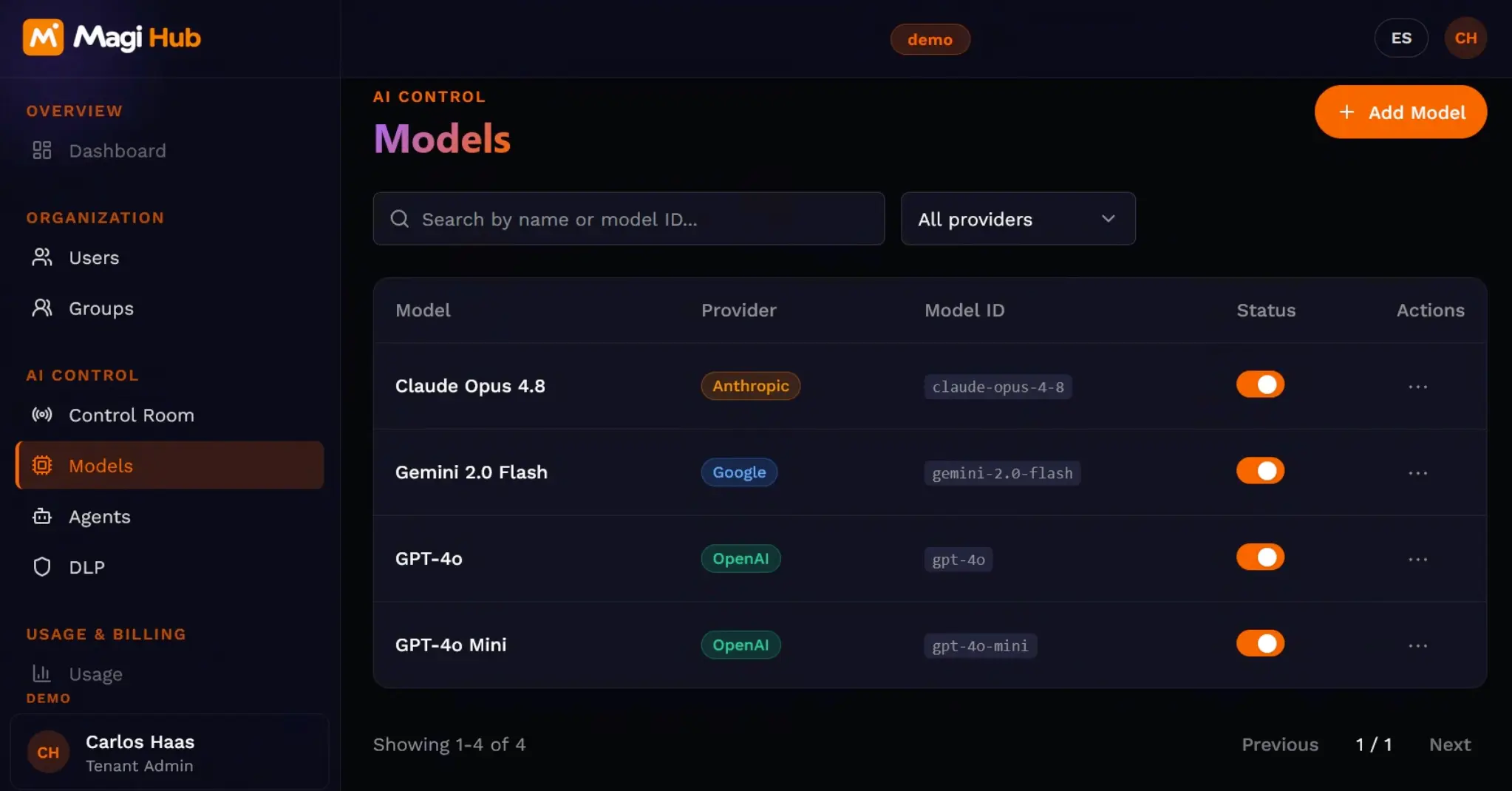
A unified workspace where any employee can access any model. Auto Mode picks the most cost-efficient one for each task — no decision needed.
The context optimizer summarizes chat histories in the background. Admins deploy custom agents in one click. Knowledge stays in the company.


Features
Everything your AI team needs
🤖 Bold ideas
We craft creative brands that inspire deep emotional connection.
⚡Token Optimizer
Summarizes and compresses context in the background. Same answer quality, fraction of the cost.
🔧 1-Click Agents
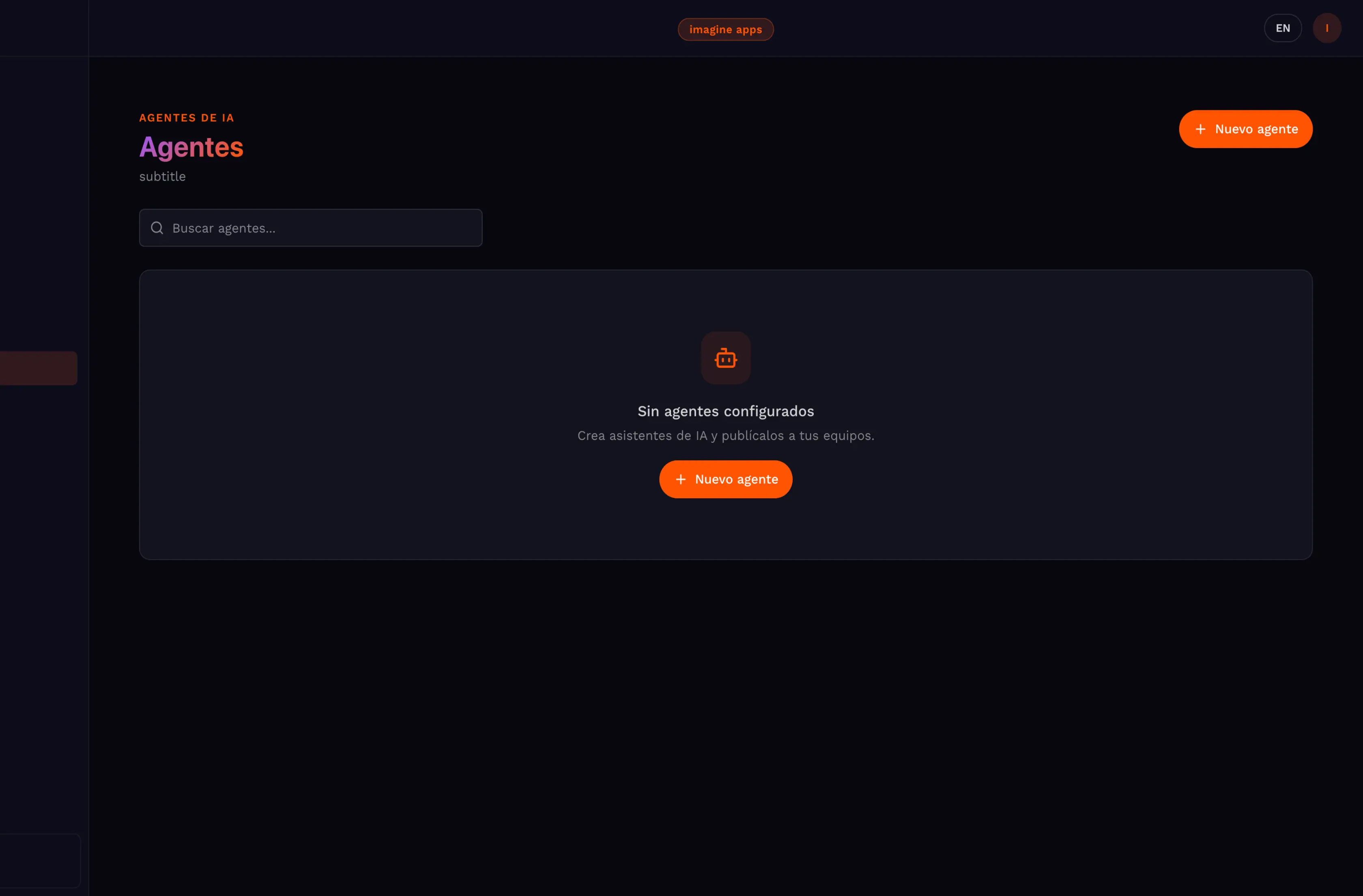
Deploy custom agents to the whole company from the admin panel. Available instantly to every user.
🧠 Collective Intelligence
Share chats and work collaboratively. Knowledge each person generates stays available to the whole team.
🔑 BYOK
Connect your existing OpenAI, Anthropic, or Gemini contracts. Use MagiHub's full interface with your own keys.
📊 Model Comparator
Test the same prompt across multiple models in parallel. Pick the best one before committing tokens.
🔒SSO & Granular Control
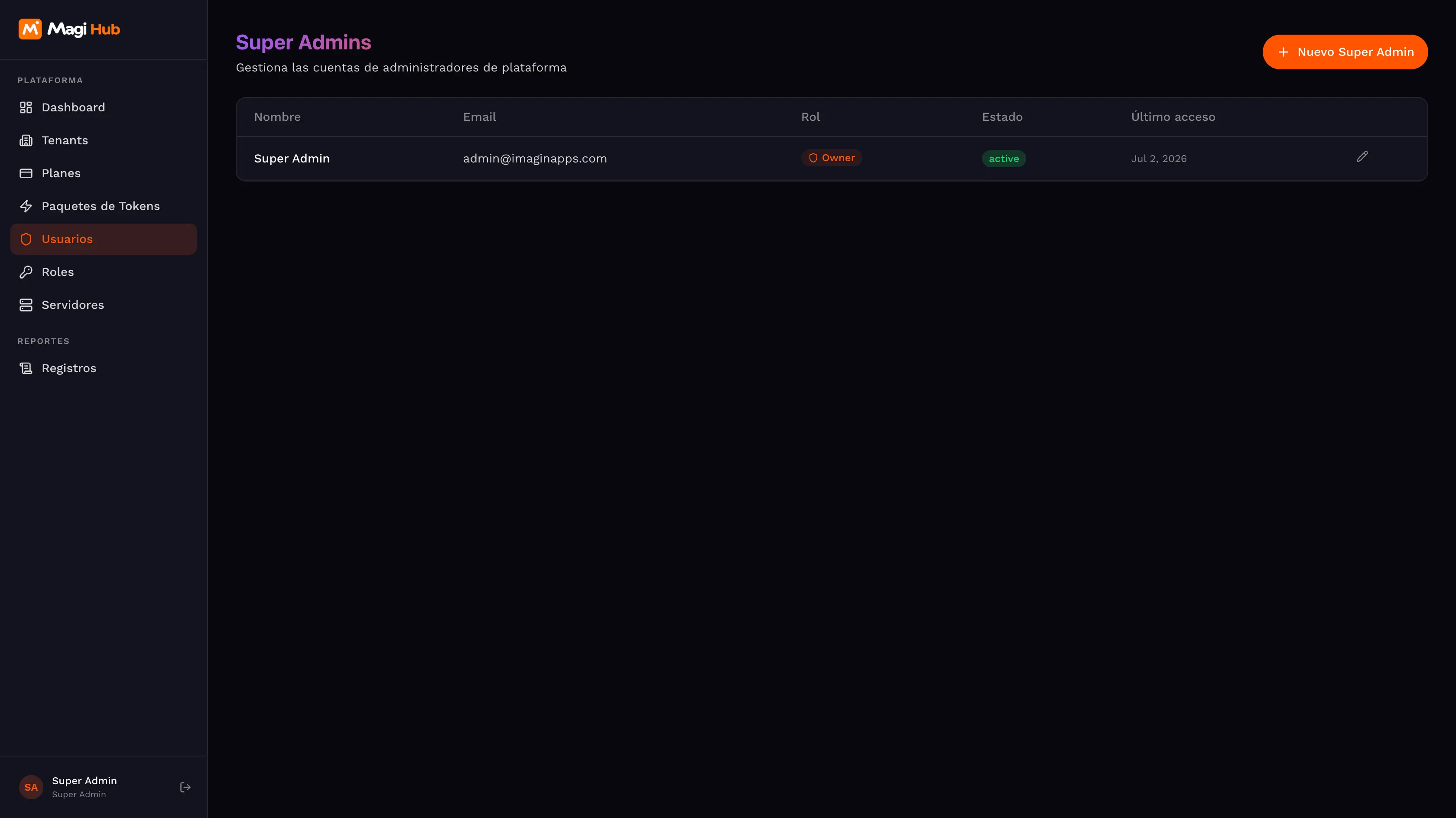
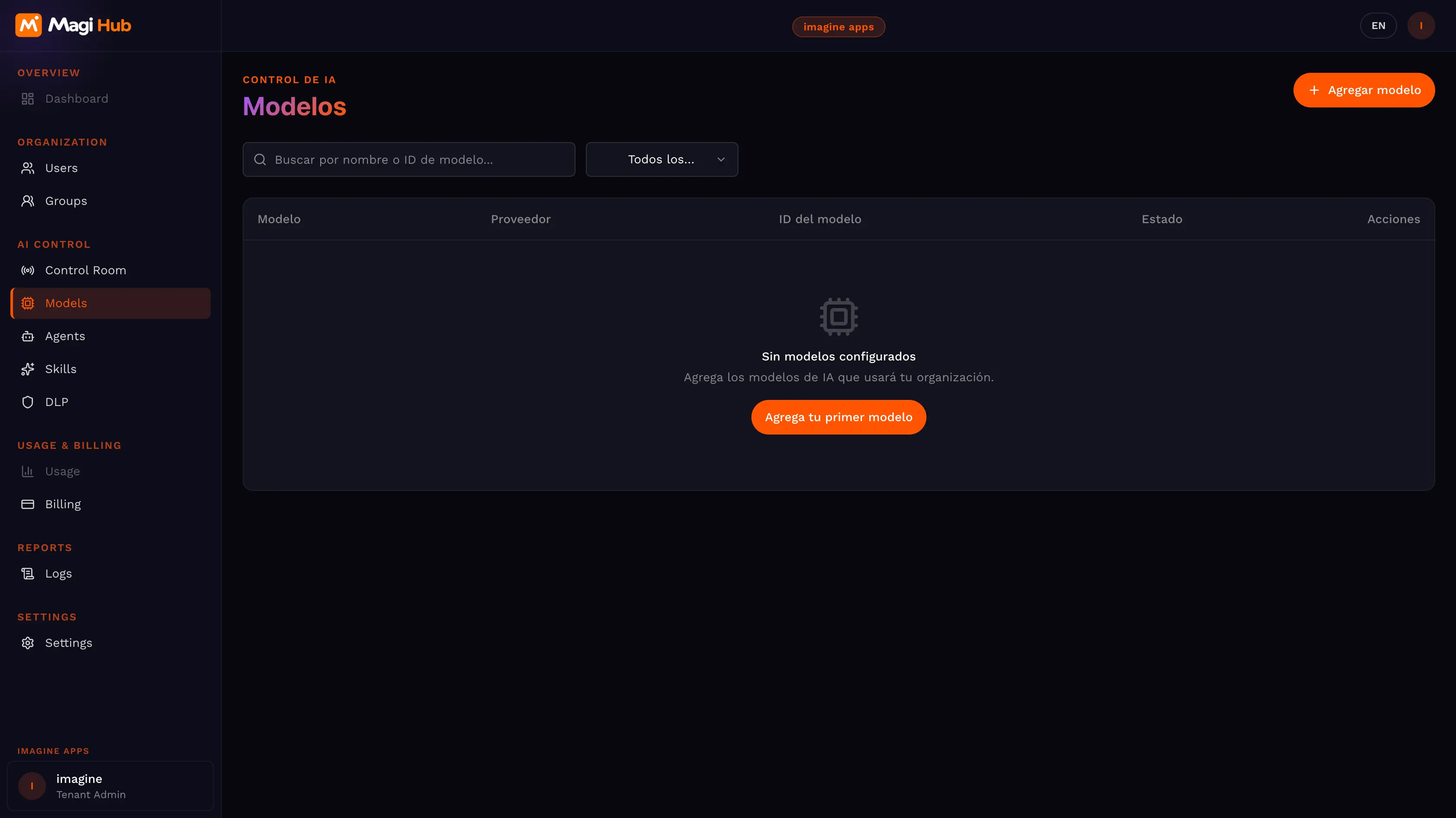
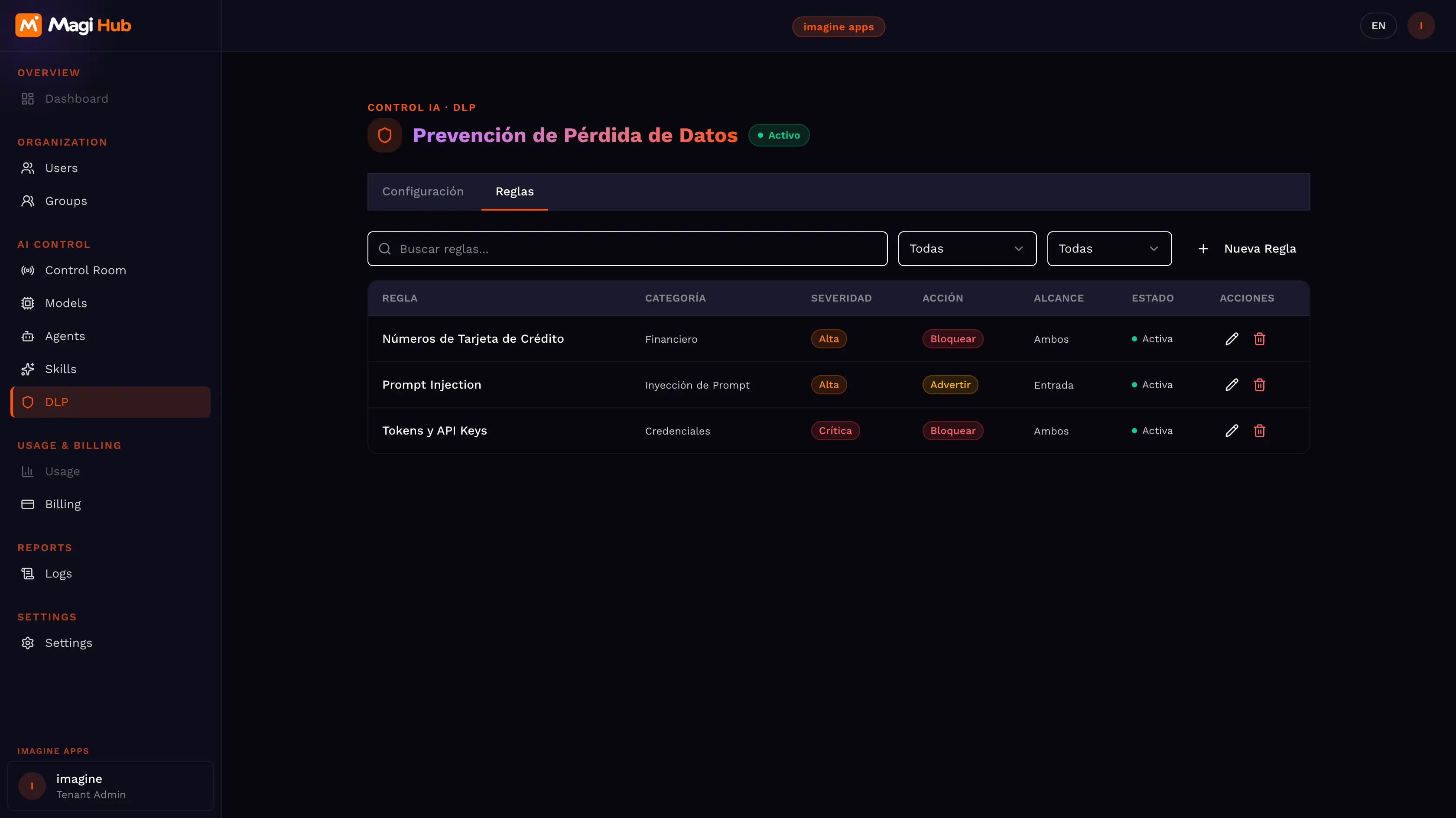
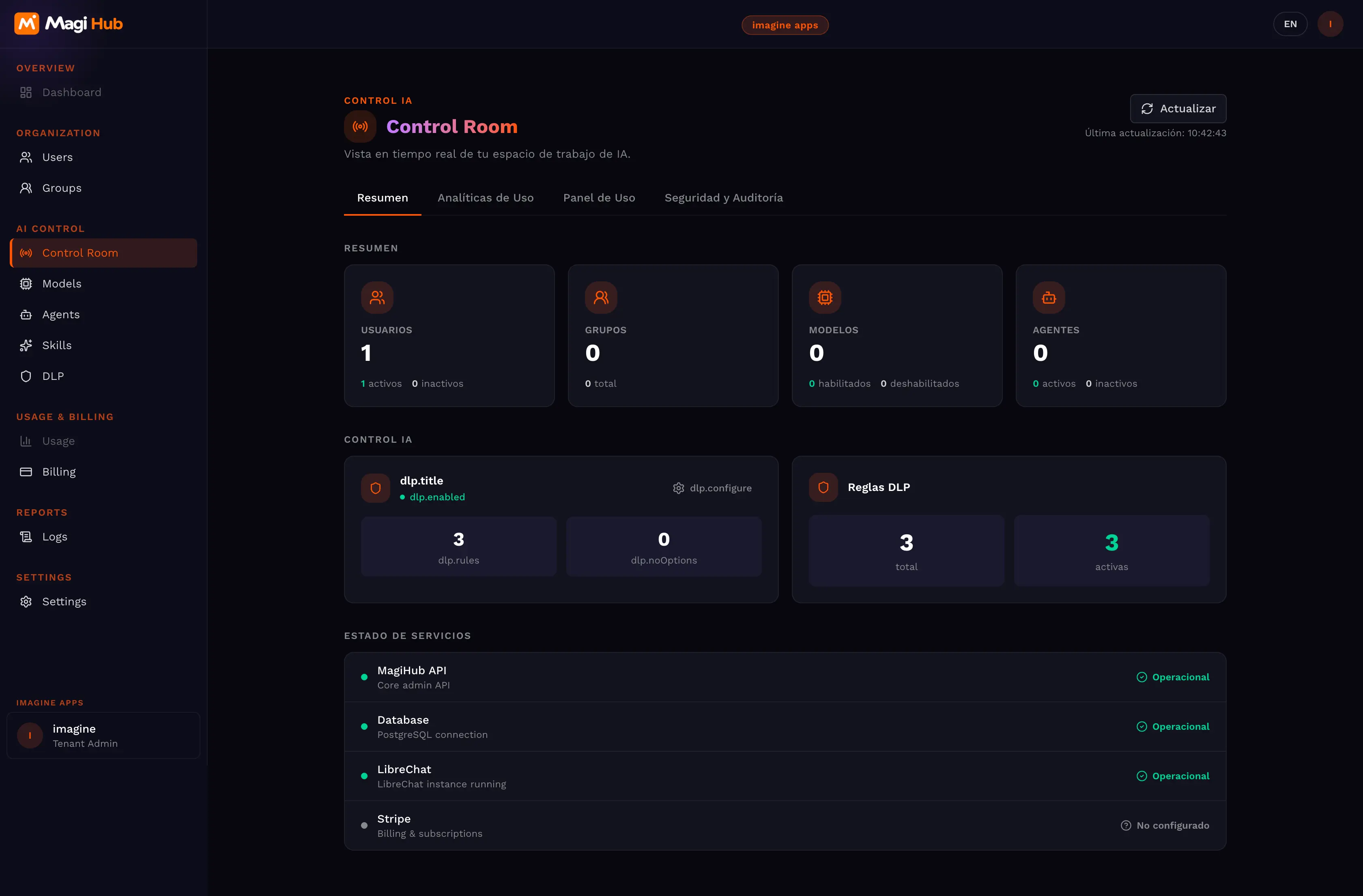
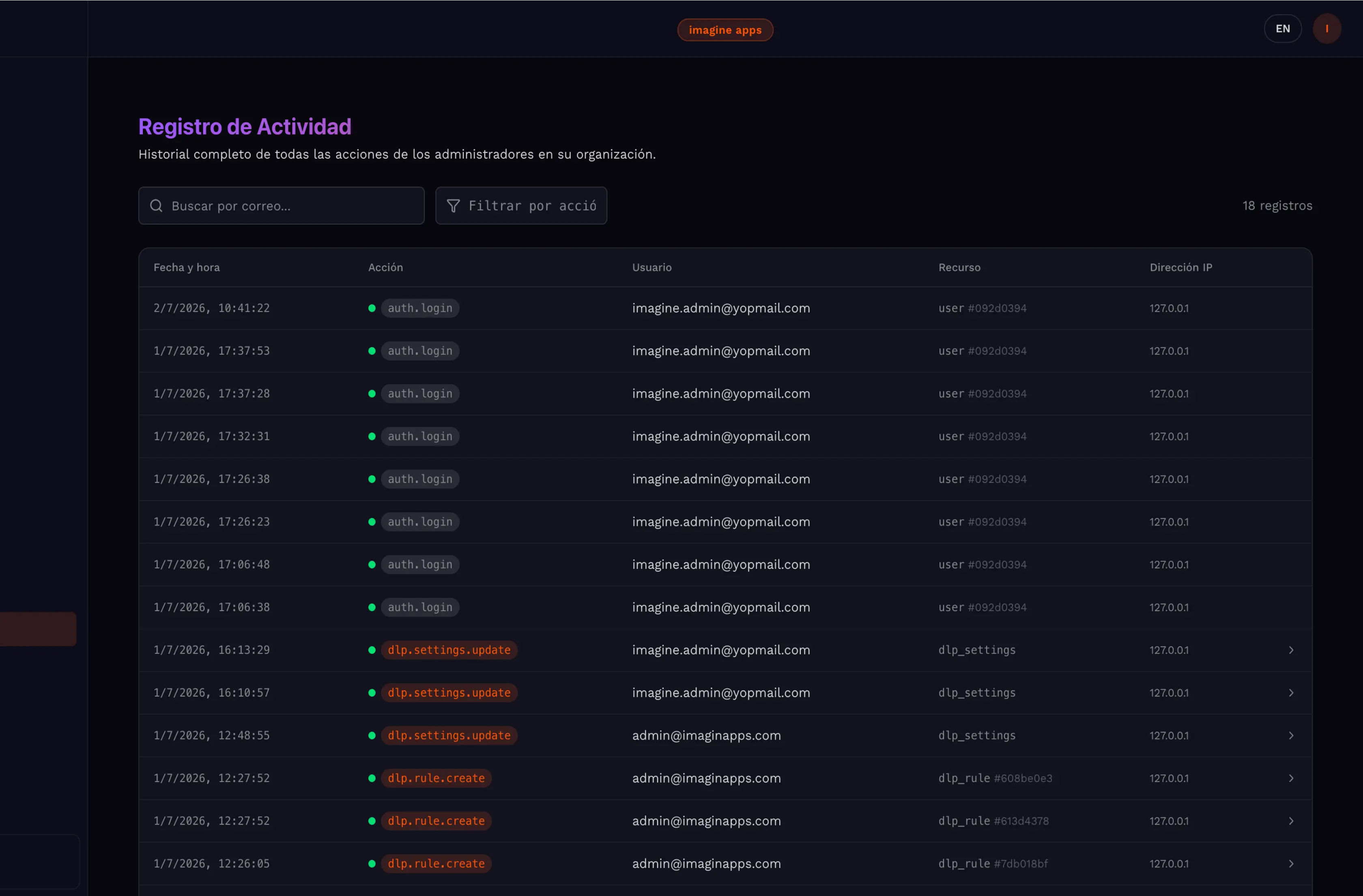
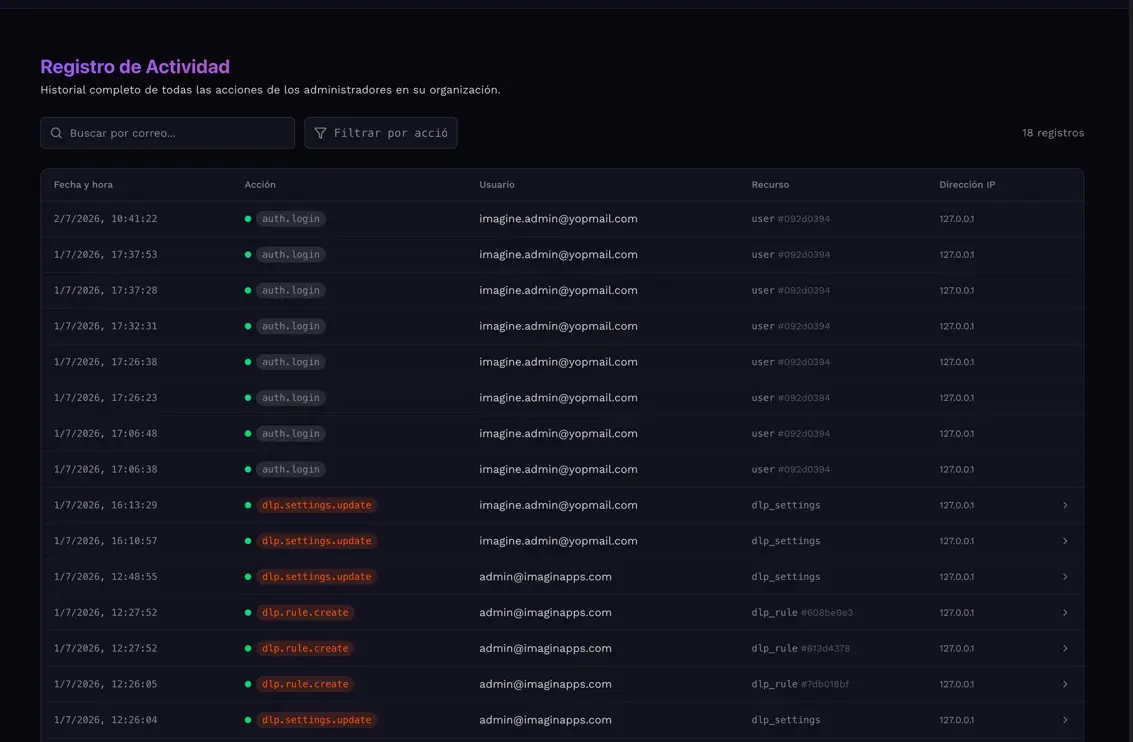
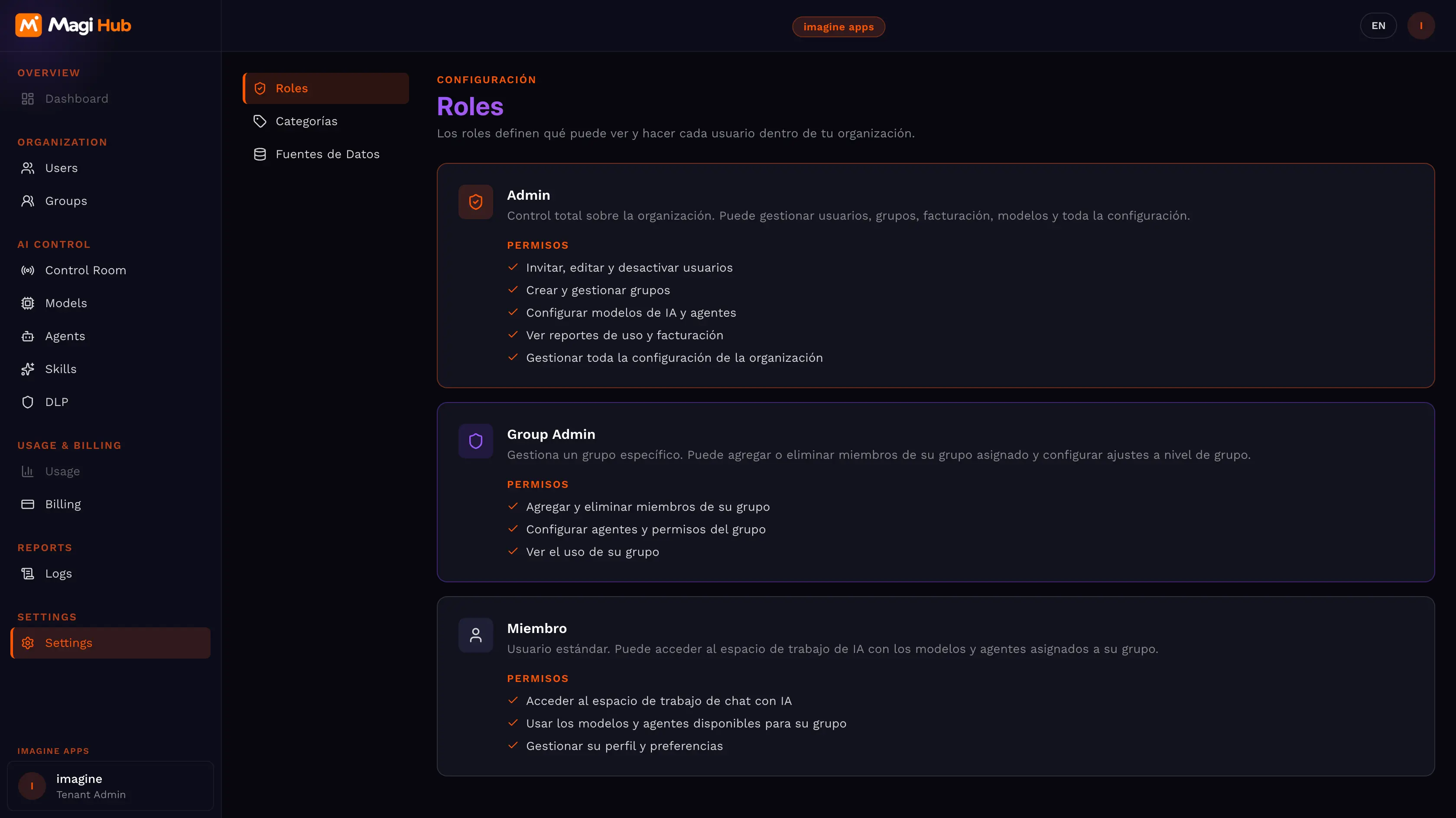
IT defines per group and per user which models and agents are available. Full control from the admin panel.
🔌 API Ready
Every agent generates an endpoint. Integrate it into your CRM, website, or internal app without friction.
📱 iOS & Android App
Native mobile access, synced in real time with the web account.


Brand strategy
"Companies were spending fortunes on redundant context and inactive accounts. We built MagiHub so adopting AI is safe, collaborative, and financially responsible. Pay-per-use or BYOK — the control is yours."
— Chief Product Officer, MagiHub


magi work ia model
Three steps to get your team on centralized AI
01
Connect your team
SSO in minutes. Admin invites the team and defines which models and agents each group can access.
02
Set up your agents
The prompt assistant guides creation. Connect internal knowledge bases via RAG or MCP and publish to the whole company.
03
Measure and optimize
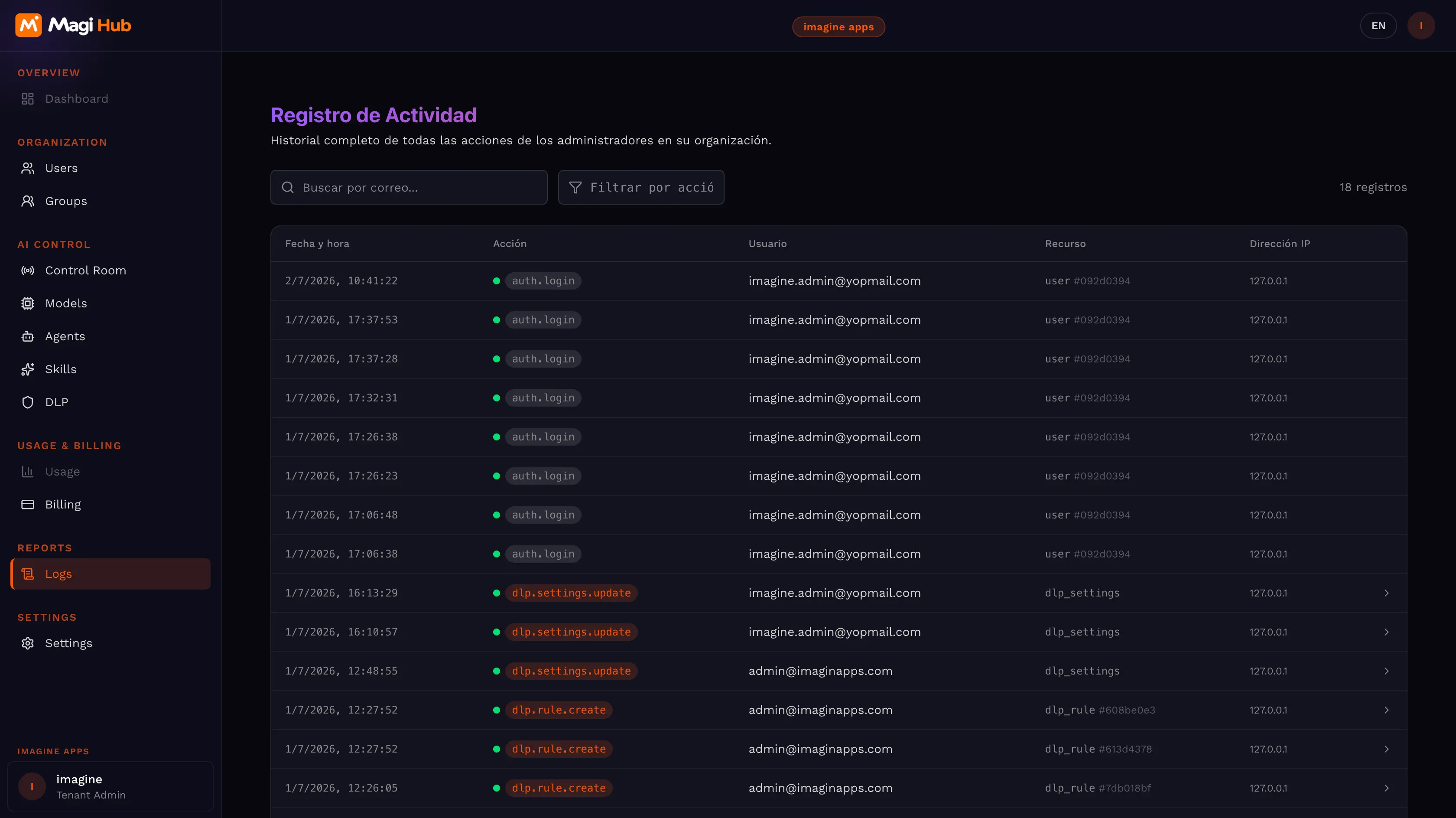
Usage dashboard by department, user, and model. Budget alerts before spend gets out of control.


"We cut AI spend by 40% in the first month. A marketing expert built an agent that all 50 team members now use with one click — we even connected it to our CRM via API."
Pricing
Plans for every team size
Pay for what you consume. No hidden fees.


Common Questions
Frequently asked questions
01 What AI models are available?
We integrate the leading models: OpenAI, Anthropic, Google, and others. Auto Mode picks the most efficient one per task. You can also compare multiple models with the same prompt before deciding.
02 How do we reduce token spend?
The Context Optimizer automatically summarizes chat history. Instead of re-sending the full conversation to the model, the system keeps only relevant context — same quality, fewer tokens.
03 We already have OpenAI or Anthropic contracts. Can we use them?
Yes. BYOK (Bring Your Own Key) connects your existing keys. You use MagiHub's full interface, agents, and collaboration tools with your own contracts.
04 How does "collective intelligence" work?
Users share chats with teammates. If someone builds a useful workflow, the admin turns it into an agent and publishes it to the whole company in one click.
05 Can I use agents outside of MagiHub?
Yes. Every agent generates an API endpoint. Your developers integrate it into any app, CRM, or website.
06 How do we control who accesses which models?
From the admin panel, IT defines per group and per user which models and MCP agents are available. SSO ensures only authorized users enter the system.
07 Can I set spend limits by department?
Yes. The admin dashboard lets you set hard limits and budget alerts by department, user, or group.